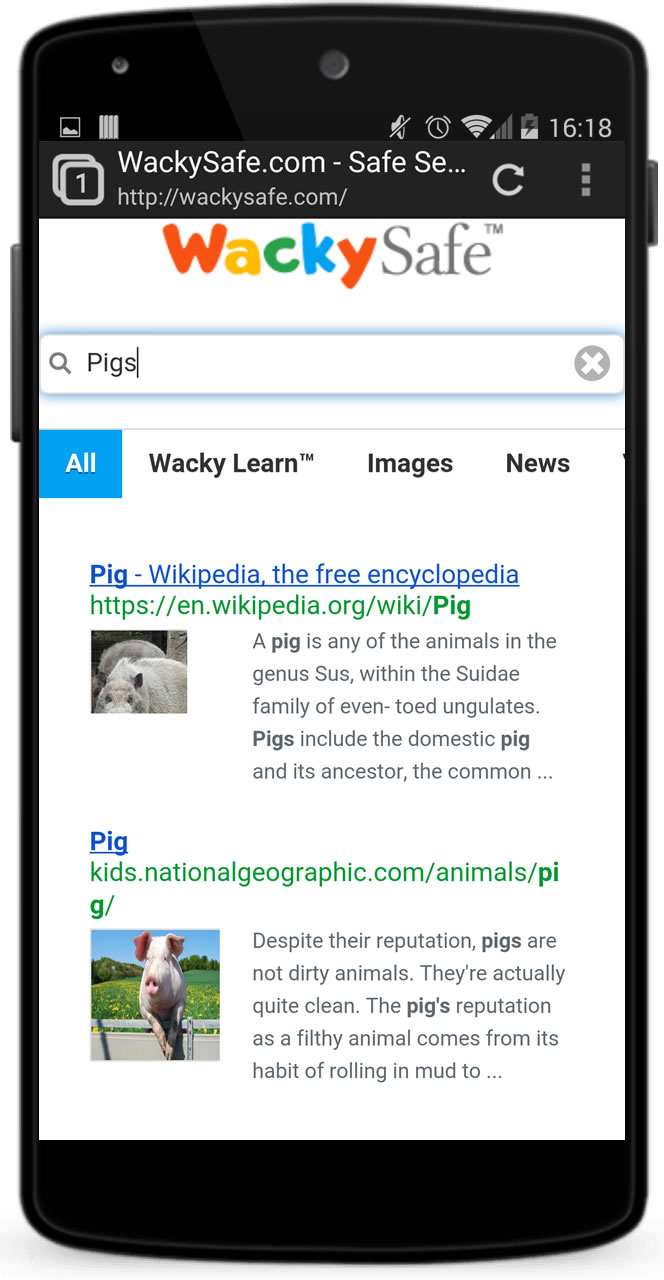
Download the WackySafe Mobile Browser
Help younger children browse in a more age-appropriate environment on compatible Android and Amazon devices.
The WackySafe Mobile Browser is a web-filtering browser designed to provide children with a safer internet-browsing environment. It is configured to help block adult content and other potentially unsuitable websites.
Device compatibility and store availability can change. A parent, carer or teacher should check that the app is current and suitable before installing it. No filter replaces adult supervision.


Installing the Android APK
- Download the APK only from the official WackySafe link above.
- On recent Android versions, your device may ask whether the browser or files app is allowed to install unknown apps. Follow the device prompt only if an adult approves.
- After installation, turn that permission off again in your device settings.
Security reminder: installing an APK bypasses the normal app-store review process. Check the source carefully and never follow installation instructions sent by an unknown person.